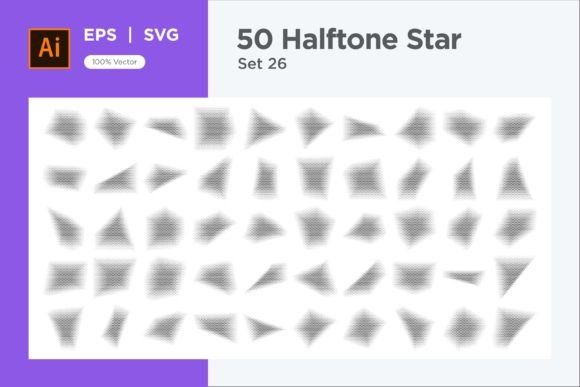
Mastering Visual Depth with the Stars Shape Halftone Background 50-26
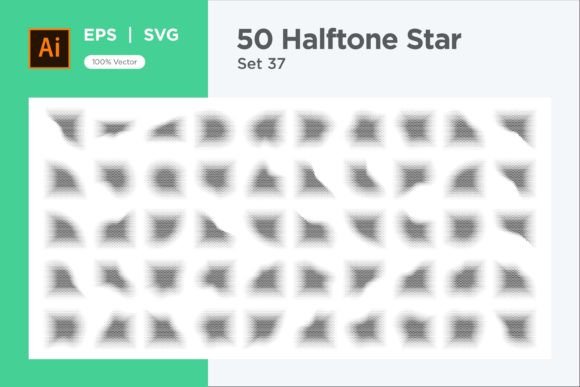
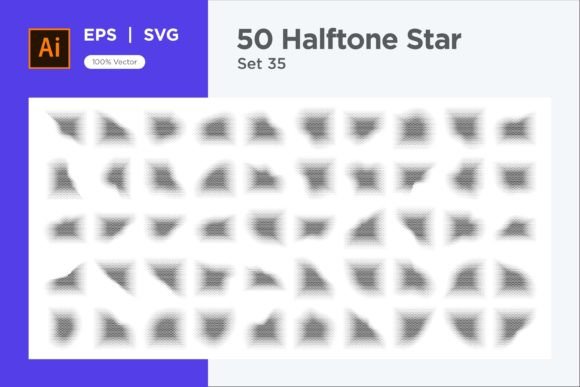
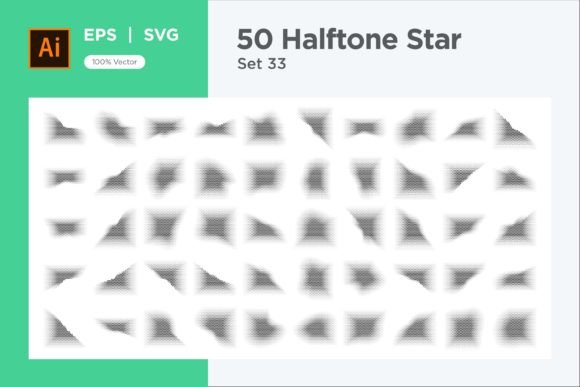
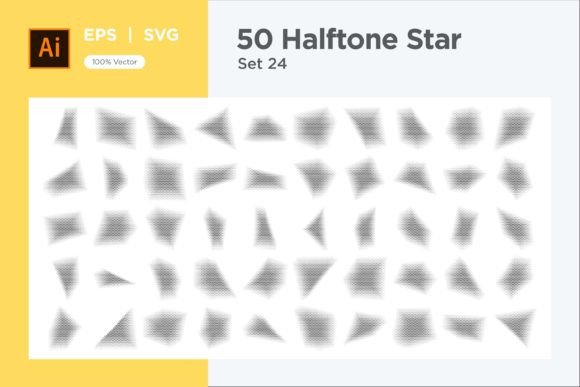
Designers and visual communicators constantly seek elements that bridge technical precision and expressive texture. The Stars Shape Halftone Background 50-26 addresses this need directly. It is not merely a decorative bundle of vector files; it is a systematic collection of 50 EPS and 50 SVG graphics, each built around repeated star motifs treated with a halftone effect. The halftone application uses controlled dot formations and gradient transitions to simulate shading and depth, transforming flat star outlines into layered, dimensional surfaces. Understanding how to work with this asset shifts a project from assembling basic shapes to injecting atmosphere and visual weight without extensive manual rendering.
Where the Asset Fits in a Realistic Creative Sequence
Thinking of a background element as an afterthought limits its potential. The Stars Shape Halftone Background 50-26 functions best when placed early in a project’s visual exploration phase, but it also serves as a remedial tool late in production. In brand identity work, a designer might test several halftone star patterns behind a logotype to gauge how the texture softens stark typography. For editorial layouts, art directors can drop SVG variations into multi-column spreads to create breathing room without inserting generic stock photography. In digital product design, a subtle application beneath hero sections or within card components can add a tactile quality that flat color alone cannot deliver.
The asset supports three distinct points of intervention: concepting, refinement, and final polish. During concepting, rapid swapping of different star densities and halftone scales helps teams align on mood. During refinement, the editable vector nature allows precise color adjustments and shape editing to match brand palettes exactly. During final polish, the files serve as ready-to-export elements that require no rasterization guesswork, since the EPS and SVG formats preserve editability across different tools.
How the Halftone Mechanism Shapes Visual Communication
Halftone is not a random texture. It communicates volume through the controlled distribution of small marks, and when applied to star shapes, it introduces a rhythmic visual pulse. The star grid or scattered arrangement within the bundle can evoke celestial references without becoming overly literal. This subtlety matters in professional contexts. A publishing house designing a science anthology cover might use a dense, tightly spaced halftone star field to suggest cosmic scale while maintaining readability in the title overlay. A retailer creating seasonal packaging can lean into a more playful, loosely scattered configuration to reference vintage comic book shading or retro arcade aesthetics.
What makes the Stars Shape Halftone Background 50-26 particularly useful is the separation of structure and effect. The underlying star geometry remains intact and modifiable. The halftone rendering overlays or integrates with the star paths, but because the files are fully vector, changing a star’s contour, point ratio, or rotation does not degrade the halftone integrity. This combination supports exploratory variation that pixel-based textures cannot match.
Practical Integration with Design Software and Related Resources
Compatibility is a central concern for any workflow involving multiple tools. The bundle’s dual-format delivery — EPS and SVG — covers a broad spectrum of professional environments. EPS files integrate naturally into Adobe Illustrator, CorelDRAW, and older print-oriented workflows that require robust color separation handling. SVG files slot into modern web design pipelines, allowing direct embedding in HTML markup or manipulation through CSS and JavaScript. Figma, Affinity Designer, and Inkscape also accept both formats with varying degrees of feature fidelity.
When working alongside other tools and methods, consider how the halftone background interacts with:
- Typography systems: Lightweight sans-serif typefaces benefit from the added texture behind them, but heavy slab serifs may compete. Test overlays with different opacity values to preserve legibility.
- Color grading: The star halftone can adopt brand colors directly. Mapping dark brand tones to the shadow end of the halftone gradient and lighter tones to the highlight end creates cohesive brand expressions.
- Masking and clipping: Because the shapes remain vector, masking complex silhouettes — such as product photography cutouts or illustrative characters — produces clean edges without anti-aliasing artifacts.
- Animation frameworks: SVG star backgrounds can be animated in tools like Lottie or with straightforward CSS keyframe animations, enabling subtle shimmer or pulse effects on landing pages.
File Selection and Initial Setup
Before opening a single file, scan the collection for star density and halftone scale variations that align with the intended output. A billboard design tolerates lower halftone resolution and larger star modules because viewing distances render fine detail invisible. A mobile application interface demands tighter halftone spacing and smaller star units to avoid visual noise on compact screens. Sorting the 50 files into rough categories — sparse, medium, dense — speeds up decision trails when multiple stakeholders need to review options quickly.
Once a suitable candidate is chosen, open the EPS version in a vector editor for print-production tasks or the SVG version for digital-first work. Immediately save a copy under the project name and location. This preserves the original file unchanged, which matters when reusing the asset across unrelated projects months later.
Organization and Long-Term Asset Management
A package containing 100 vector files becomes a liability if not managed properly. Create a master folder named after the bundle, then subfolders by format, then by tonal variation or intended mood. Tag each file during import into digital asset management software with descriptors such as “stellar halftone,” “vintage dot,” “celestial grid,” or “playful star scatter.” These searchable tags pay dividends when future projects demand similar textures and the original artwork file has been archived.
For teams, version control matters. When a brand guide mandates a specific halftone density or star scale, document which specific file number and adjustment settings produced the approved result. This record prevents drift between initial proof and final production, a common failure point when multiple designers touch the same project across months.
Adapting and Customizing Without Breaking the Core Effect
The true power of vector-based halftone backgrounds lies in their adaptability. Color changes are straightforward — select grouped paths and apply new fill or stroke attributes. More advanced customizations include recalculating the halftone grid angle to better align with diagonal layout elements, though most use cases benefit from the default arrangement. Star shapes can be edited individually if only a few anomalies require attention, but batch adjustments are possible by selecting and transforming groups of stars uniformly.
Consider these modification paths:
- Global color swap: Change the entire halftone from black to a brand-specified hex value in fewer than five clicks across any industry-standard vector tool.
- Opacity and blending: Layer two different star halftone files over each other with varying blend modes to create hybrid textures unreachable by a single file alone.
- Selective deletion: Remove star clusters around focal areas — such as a centered headline or product image — to create negative space without rebuilding the entire background.
- Path simplification: For SVG performance on web pages, reduce anchor point counts slightly using path simplification algorithms while preserving the visual halftone character.
Maintaining Consistency Across Multiple Deliverables
A single project often spins off assets for print, web, social media, and presentation slides. The Stars Shape Halftone Background 50-26 enables consistency because the same underlying vector structure scales without loss. The halftone effect behaves predictably: scaling up increases dot and star visibility proportionally, while scaling down tightens the pattern. A designer can take one approved background, produce a high-resolution TIFF for offset printing, an optimized SVG for the company website, and a cropped PNG for social media banners, all derived from the same source file. This eliminates the guesswork and visual drift that occur when separate designers recreate texture effects independently for each channel.
Useful Observations from Applied Work
Halftone star backgrounds perform unexpectedly well in reversed-out treatments. Placing white text over a dark halftone star field often reads better than dark text over a light halftone, because the dot structure in lighter areas creates micro-contrast that can fight letterform clarity. This observation guides layout decisions early, potentially saving hours of tedious kerning refinement later.
Another practical note concerns variable data printing. When personalizing invitations, labels, or direct mail pieces, the halftone background remains constant while the personalized text changes per record. Because the background is a single vector block, imposition software handles it efficiently without introducing alignment shifts across records, a distinct advantage over raster-based texture approaches.
Quality Control and Final Export Considerations
Before signing off on deliverables that use the star halftone backgrounds, inspect the files at output resolution and size. Check for moiré patterns that can emerge when halftone frequencies interact with printer screening angles or digital display pixel grids. If moiré appears, slightly adjust the halftone scale or star grid spacing to break the interference. This pre-press or pre-launch review step aligns with professional production standards and prevents costly reprints or post-launch hotfixes.
Export settings also deserve attention. For print, ensure the EPS output preserves overprint settings if the halftone overlaps other elements. For web, run the exported SVG through an optimization tool that strips Illustrator metadata and unused namespace declarations, reducing file payload without visual compromise. Modern SVG performance guidelines reward assets slimmed to their essential paths.
Sustaining Creative Value Over Multiple Projects
Vector backgrounds occupy a unique position in a creative toolkit. Unlike a photograph, which dates itself through styling, wardrobe, and ephemeral trends, a well-constructed geometric halftone pattern remains relevant across stylistic cycles. The star motif carries archetypal associations that survive shifting design fashion, and the halftone technique, rooted in centuries-old print reproduction methods, functions as a visual constant. Investing time to learn how to manipulate and deploy the Stars Shape Halftone Background 50-26 across diverse project types yields compounding returns. The same file that backgrounds a monthly newsletter header can later texture a trade show booth panel, a product hangtag, or a digital menu interface.
By treating the bundle not as a one-off download but as a reusable, adaptable design component, creative professionals build efficiency and visual consistency into their practice. The organized folder structure, documented settings, and practiced adaptation workflows transform 100 vector files into a flexible system that responds to varied briefs without reinventing the wheel each time. In practical terms, that means faster concept approval, reduced production friction, and visual outcomes that feel deliberate rather than default.